
Custom Cutting Tools Made to Drawing: What to Include in Your RFQ
Your customer sends a part drawing and asks for a price. It shows the finished component, but the cutting tool is still undefined. What should you send the manufacturer, and what needs customer confirmation?
A request for quotation (RFQ) for custom cutting tools made to drawing can start with the information available. Explain the job, mark fixed requirements and identify where you need a recommendation.
Quick Answer
Begin with available information; agree the tool specification before production.
Send Your Drawing or Tool Details
Drawing or tool reference, workpiece material, operation and quantity.
Mark What Needs Confirming
Identify fixed requirements, missing information and features needing supplier recommendations.
Approve the Drawing
Approve the drawing before manufacture. If samples are required, agree how they will be checked before batch production.
Table of Contents — Browse article sections
Start With a Drawing, Tool Details or a Sample
Tell the supplier whether you need an approved design reproduced, an existing tool modified, or a tool developed for a new job. Send the available reference:
Photos help identify the form, but perspective and missing views limit measurement. Review the cutting dimensions of a worn or reground sample before confirming the dimensions for the replacement tool.
Our custom cutting tools service can review a drawing, sample or application. Mark missing values instead of guessing.
Describe the Application and Tool Requirements
Describe the workpiece material, machining operation and required result. If you are replacing or modifying an existing tool, explain the current problem. “The shank touches the upper wall before the cutter reaches the feature” is more useful than “make it longer.”
- Workpiece: material grade and condition; hardness if known.
- Operation: drilling, reaming, slotting, profiling or another defined machining step.
- Finished result: relevant dimensions, tolerances, surface finish and any burr restrictions.
- Setup: holder, available clearance, coolant method and current cutting conditions where available.
For an existing application, describe what already works and what needs changing. Ask whether the application calls for a standard tool, a modified standard tool or a new special design.
Confirm Key Dimensions and Tolerances
Keep finished-part requirements separate from tool dimensions. A part drawing defines the required result; a tool drawing defines the cutter to manufacture. Identify proposed tool details that still need approval.
Use these as RFQ references. The checks and diagrams show selected details, not a complete custom-tool specification. Agree the final design, tolerances and inspection requirements before production.

- Size & profile: Cutting diameter, critical tolerances and end shape: square, corner-radius, ball nose or special profile.
- Cutting length: Axial cutting-edge length; state actual cutting engagement separately.
- Access & holding: Shank diameter, overall length, intended holder position and any neck/reach restrictions.
Before quoting
Show the cutting area and nearby walls. For a reduced-neck design, confirm the neck diameter and reach endpoints. Feature depth alone does not define the required cutting length.

- Steps & transitions: Each step diameter, its axial position or length, and the transition angle, chamfer or radius.
- Hole depth: Define all length endpoints. For blind holes, distinguish full-diameter depth from drill-tip depth.
- Setup: Through or blind hole, coolant availability and shank requirements.
Before quoting
If point or flute geometry is open, ask the manufacturer to propose it for approval.

- Hole target: Finished-hole diameter, tolerance, depth and required surface finish.
- Hole condition: Workpiece material and through- or blind-hole condition.
- Prepared hole: Prepared-hole size or stock allowance, if known. Ask for advice if unknown; the allowance depends on the tool and application.
Before quoting
For an approved reamer drawing, state tool diameter and manufacturing tolerance separately from the finished-hole requirement. Otherwise request a proposal based on the hole requirements. If you provide a stock allowance, state whether it is the total difference in diameter or the radial amount per side.

- Part: Operation, workpiece material, finished-feature size and tolerance. Mark the smallest or hardest-to-reach area.
- Tool size: Known cutting diameter and length, neck/reach where applicable, and shank or holder restrictions.
- Setup: Machine and holder details, coolant availability and any known runout.
Before quoting
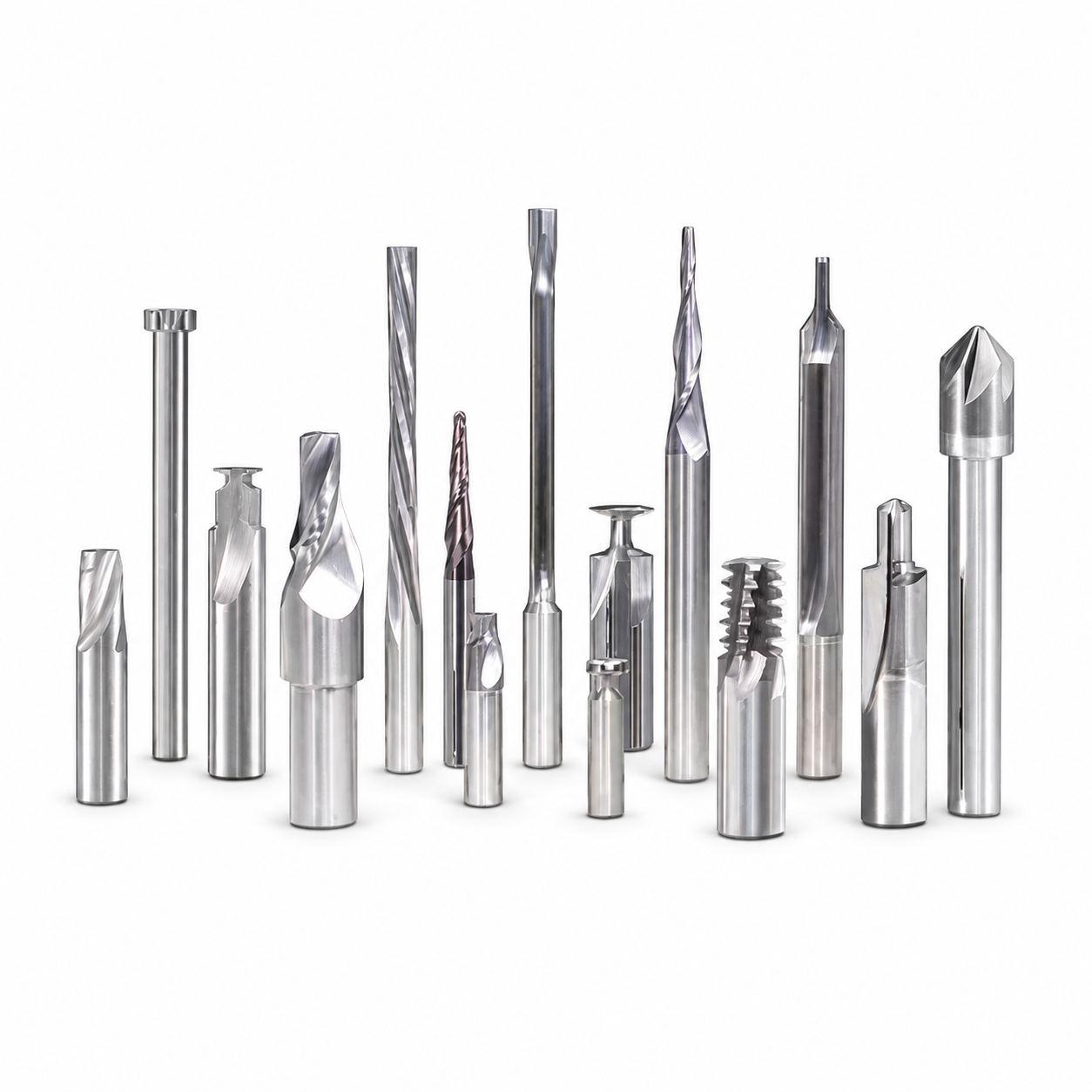
A micro drill, end mill and boring tool need different specifications. Mark critical tool dimensions for inspection and request advice where details are unknown.

State Your Requirements and Where You Need Advice
Give the supplier the machining requirements, then separate existing specifications from open design choices:
Ask the supplier to explain proposed changes and their effect on price. A different coating or flute design needs agreement before a replacement is treated as equivalent.
State the coating designation or original specification if fixed; color alone is insufficient. Request material and coating recommendations if both are open.
Check the Quote and Approve the Tool Drawing
Compare the same revision, quantity and proposed specification. Ask each supplier to state assumptions, exclusions and unresolved items, including what must be confirmed before the quoted price is final.
- Drawing control: document number, revision, units, dimensions and the endpoints used for lengths.
- Technical scope: tool material, geometry, surface treatment, shank and agreed critical limits.
- Differences: changes from the original request, including details developed from a worn sample.
- Verification: required inspection records and any customer-side machining trial, with agreed acceptance criteria.
Have the appropriate customer contact approve the manufacturing drawing and resolve conflicting notes before production. Keep it with the order. Later changes need an agreed revision and review of price and timing.
Tool inspection checks the cutter against its specification; a machining trial evaluates the result in the intended setup. Agree which checks are required. Where sample approval is agreed, complete the required checks and obtain approval before batch production.
Custom Cutting Tools Made to Drawing: RFQ Checklist
Fill in known details and label open items. If several files are involved, make their drawing references and requested changes easy to follow.
Example: Requesting a Quote for a Custom Step Drill
“Please review a custom step drill for the hole shown on the attached part drawing. The RFQ lists the required quantity against each drawing number and revision. The workpiece material and hole condition are marked on the file. Please retain the finished diameters and shoulder positions. Recommend the tool geometry and coolant arrangement for the available machine setup. Identify any missing information before confirming price.”
The referenced drawing must contain the finished dimensions. The customer defines the required hole; the supplier proposes the tool for approval.
Buyer FAQ
Can I ask for a quote before the tool drawing is complete?
Can a manufacturer copy a tool from a photo?
What if I do not know the coating or helix angle?
Why do suppliers quote different prices for the same drawing?
Should I request an inspection report?
What should I do if the supplier changes the drawing?
OEM & Custom Tool Buying Guides

Choose an OEM Cutting Tool Manufacturer
Review manufacturing scope, inspection and supply support.

Small-Batch Custom Cutting Tools
Confirm MOQ, drawing approval, first-order costs and repeat supply.

Custom Step Drill: 0.01 mm Tolerances
Define critical features and separate tool inspection from finished-hole checks.

Cutting Tool Trial Orders
Agree sample acceptance checks before increasing order quantities.
For an aluminum-specific RFQ checklist, see Custom Aluminum End Mill Specifications.
Send Your Drawing or Tool Reference
Send HY Cutting Tools the available drawing, material, application and quantity. Mark the dimensions or design choices needing review.